
We are introducing new support request forms as of 1/1/2020
These forms are designed to make submitting requests more intuitive for you and allow us to better route support resources that best answer your request.
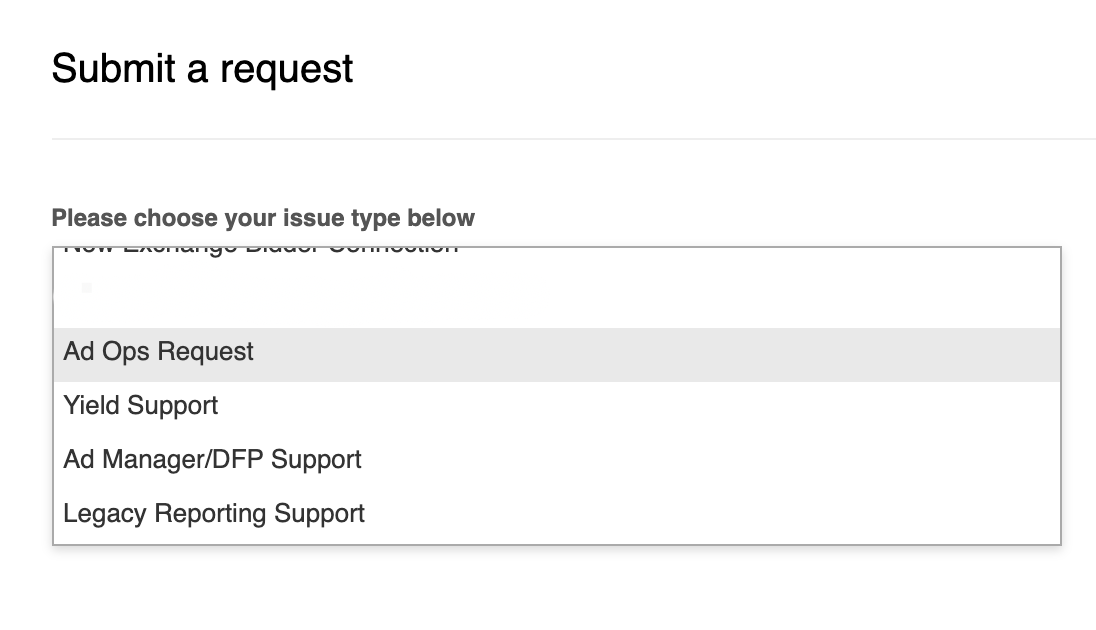
To start, you will want to select the ticket type that best describes the issue or question you plan to submit to Support.
The options include:
- Ad Ops Request
- Yield Support
- Ad Manager/DFP Support
- Legacy Reporting Support
Here is a quick guide to our new support request ticket forms:
Ad Ops Request
This request type is used for submitting questions about inventory forecasts, campaign management that includes revisions and creative swaps, campaign performance reports, and ad trafficking.
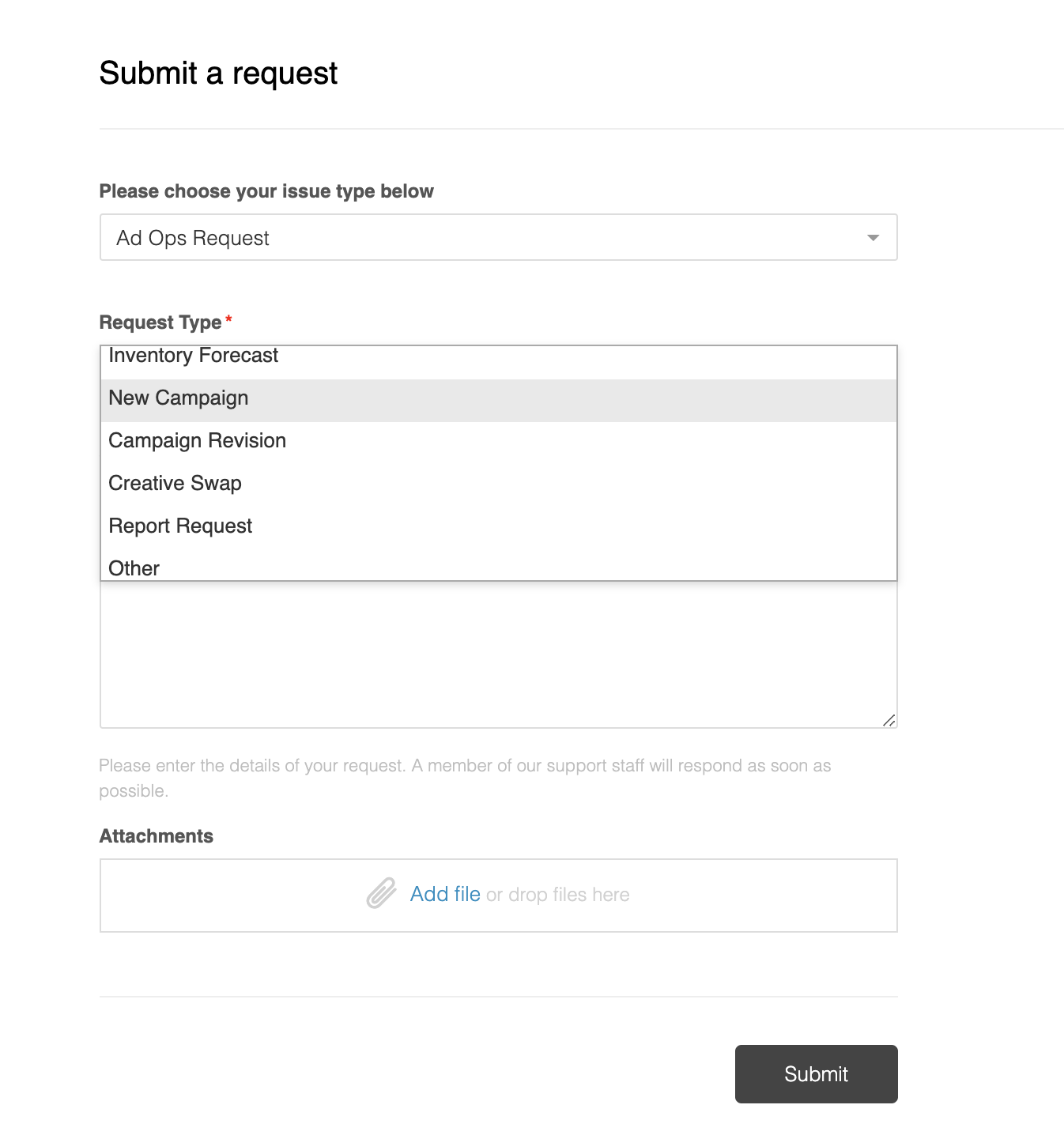
After selecting the "Ad Ops Request" type, select the request subcategory and fill out the required fields to submit.
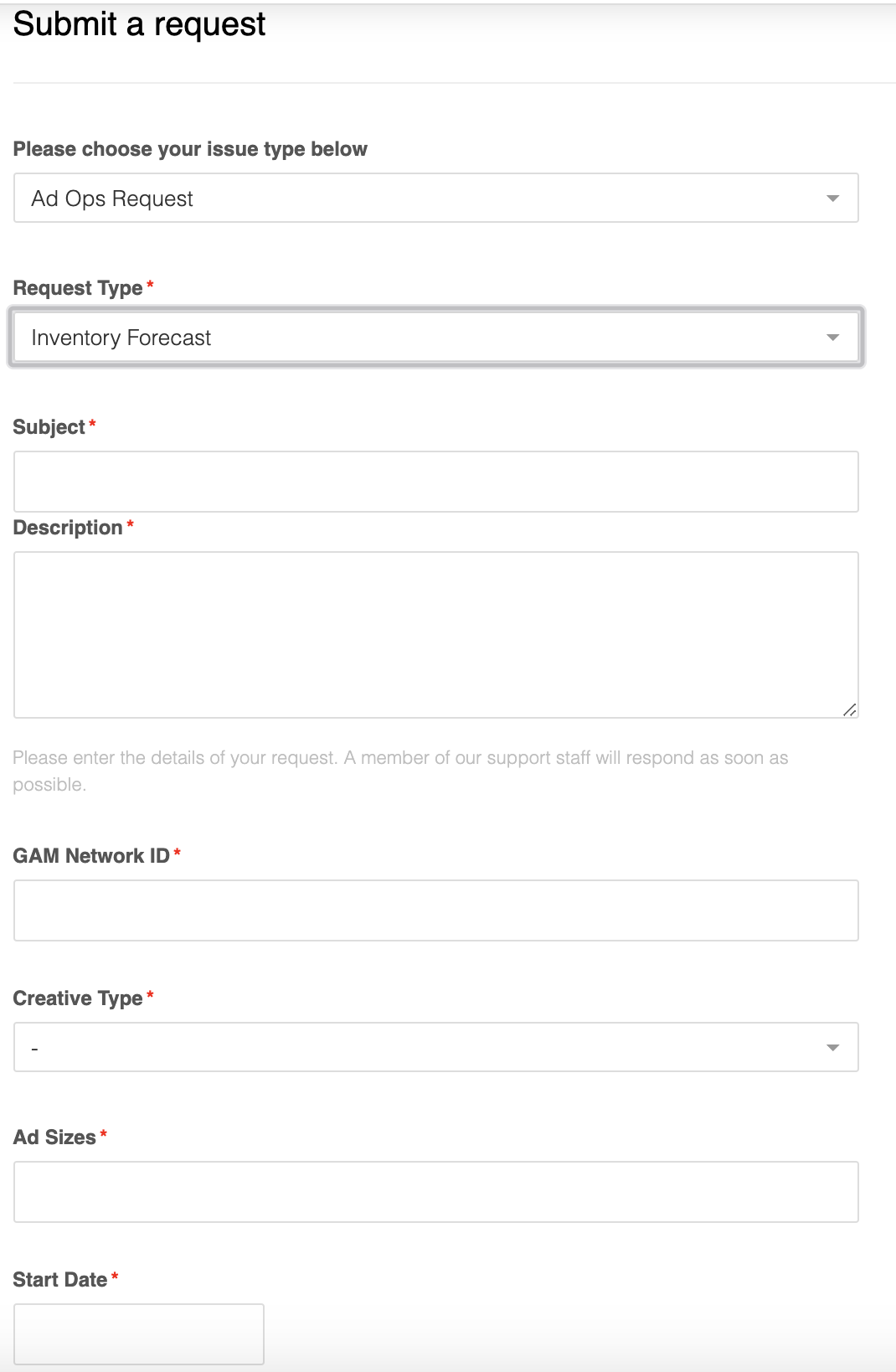
Note: Ad Ops requests will only be accepted if you have a signed ad ops services agreement in place.
Requests submitted by clients without an Ad Ops agreement will be notified and the ticket closed.
Yield Support
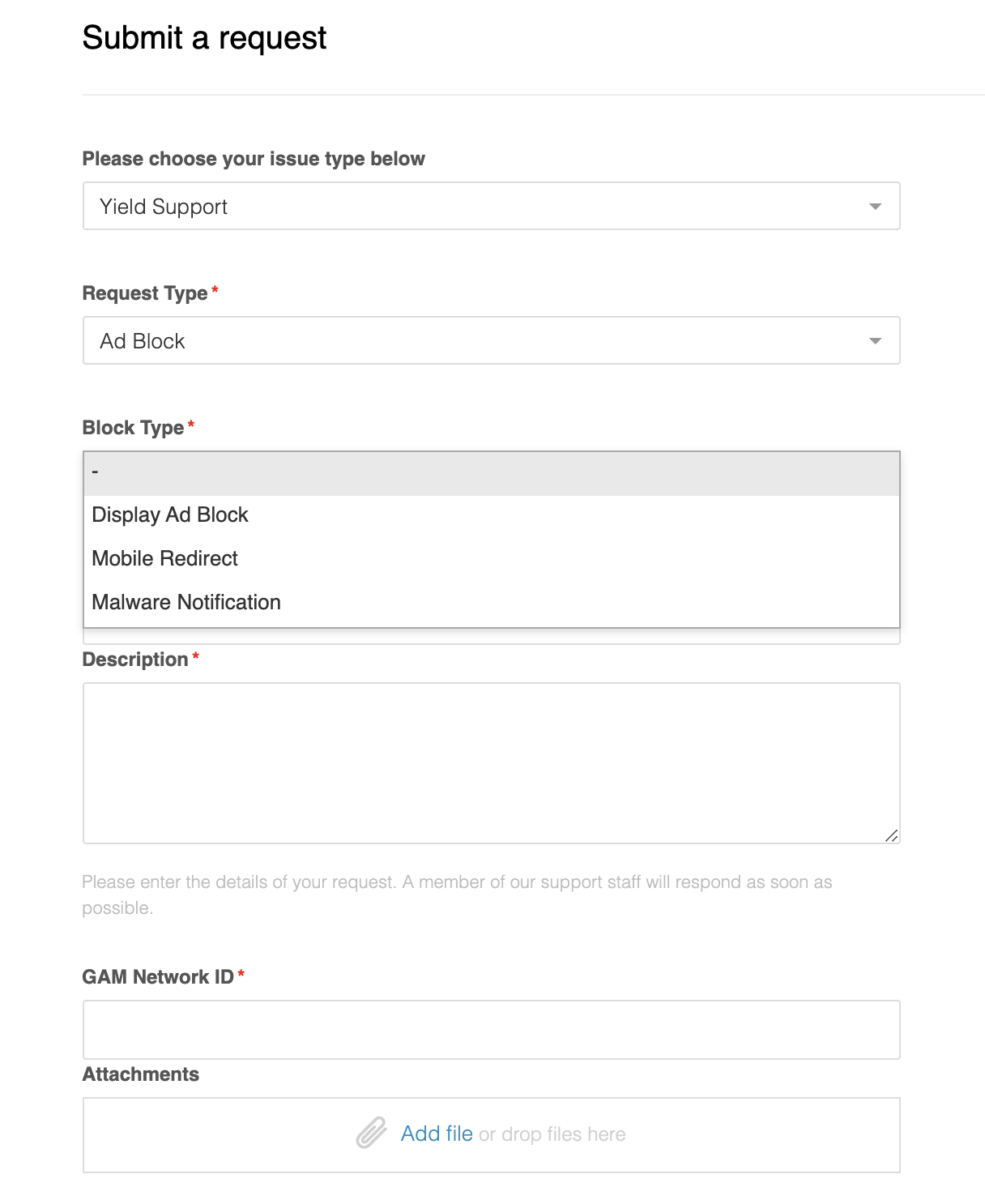
Yield Support requests can be submitted for all programmatic request types which include, but not limited to: Yield Reports, Ad Quality, Exchange Bidding, etc.
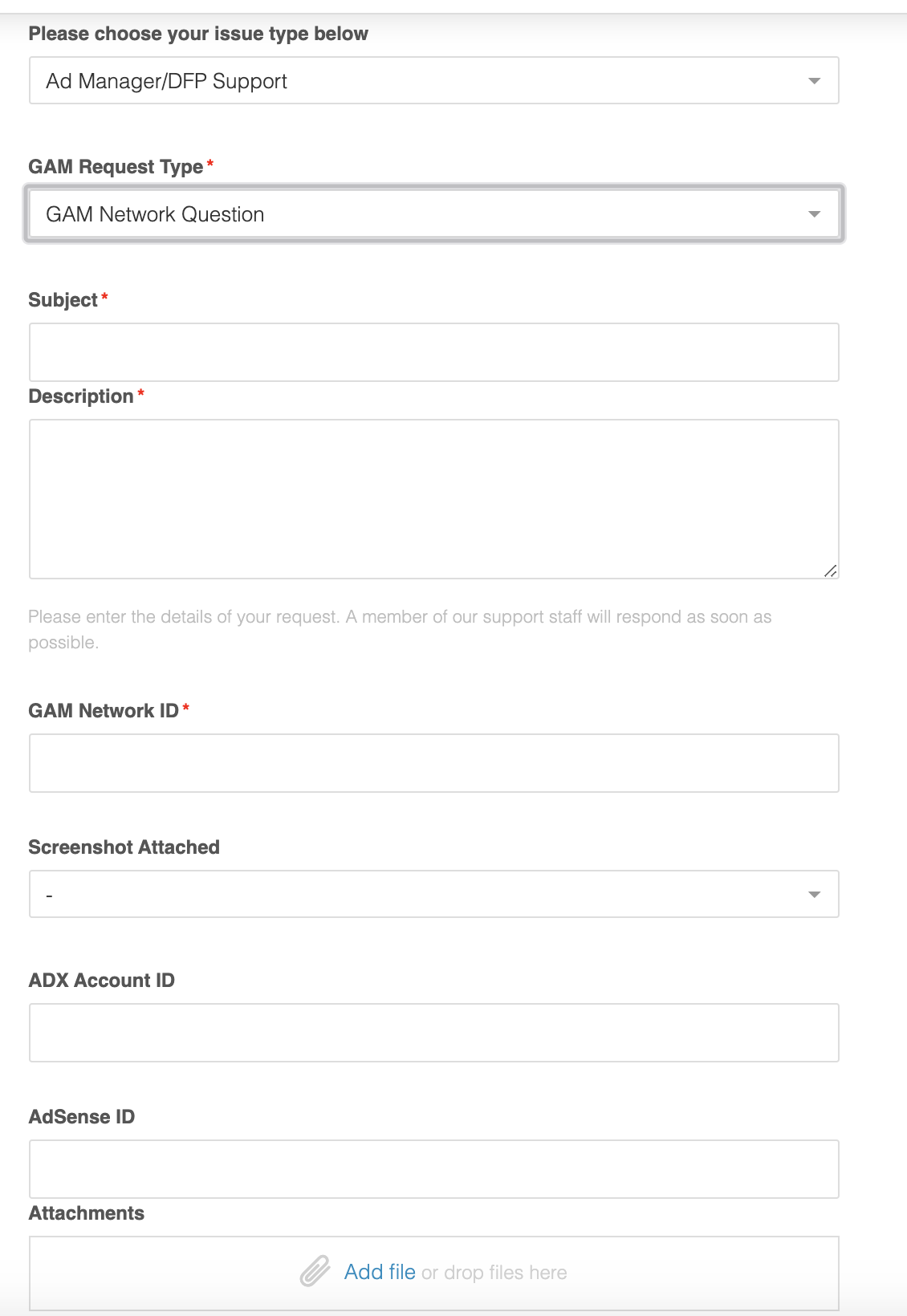
Ad Manager/DFP Support
Requests submitted under this request type include everything from Ad Manager technical support, troubleshooting, feature integrations and more.
Legacy Reporting Support
This request type is reserved for those clients using OpsCo's reporting platform. This request type can be used to adjust property settings like adding additional markets or general legacy reporting questions.
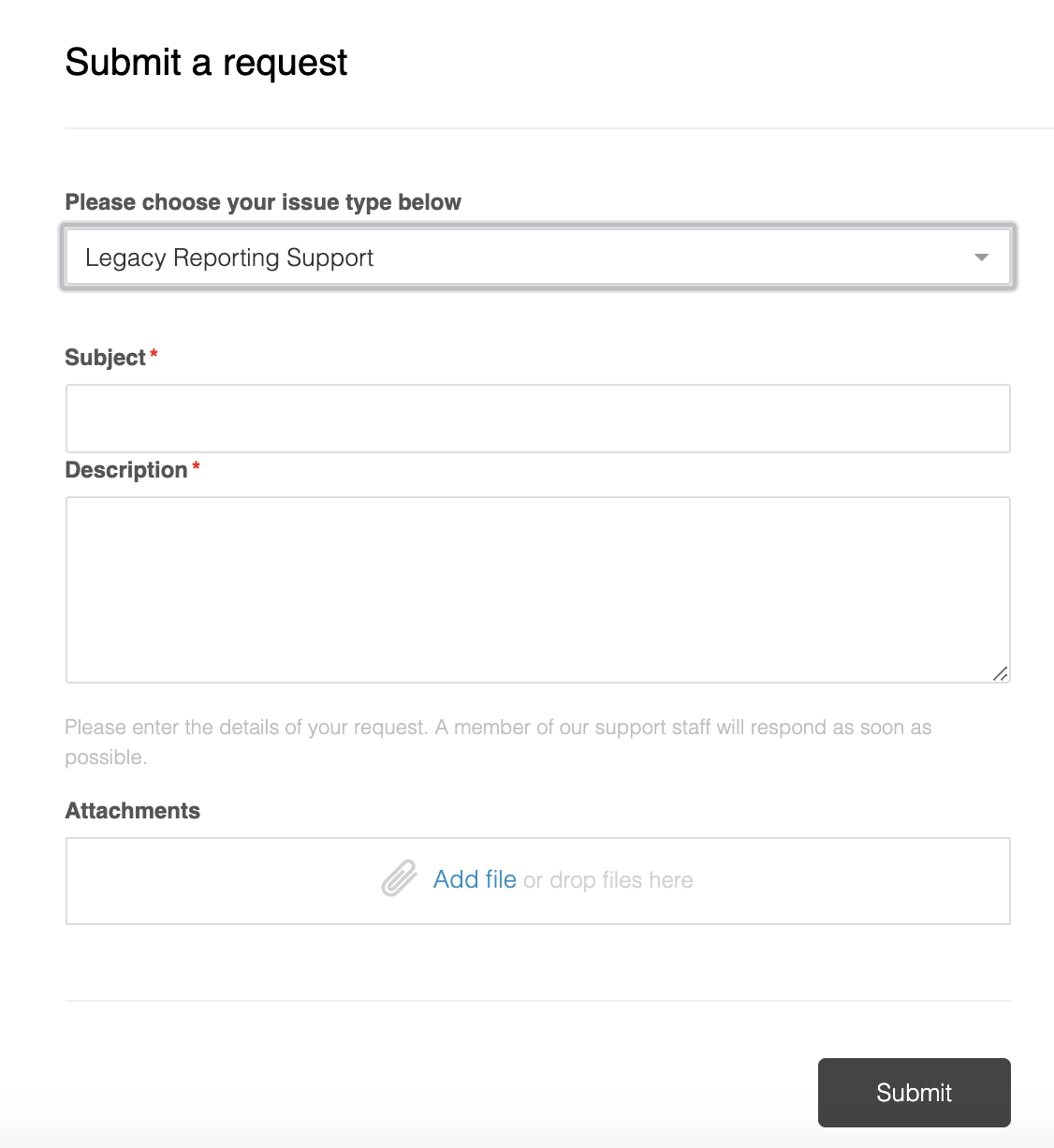
Note: Legacy Reporting requests will only be accepted if you have a signed Reporting services agreement in place.
Requests submitted without a Reporting services agreement will be notified and the ticket closed.
After submitting your request, a member of our team will promptly follow up with you.
Comments